Visible parent-child structure
See what belongs where instead of relying on indentation hidden inside a long document.
 TreetorView pricing
Tree editor app
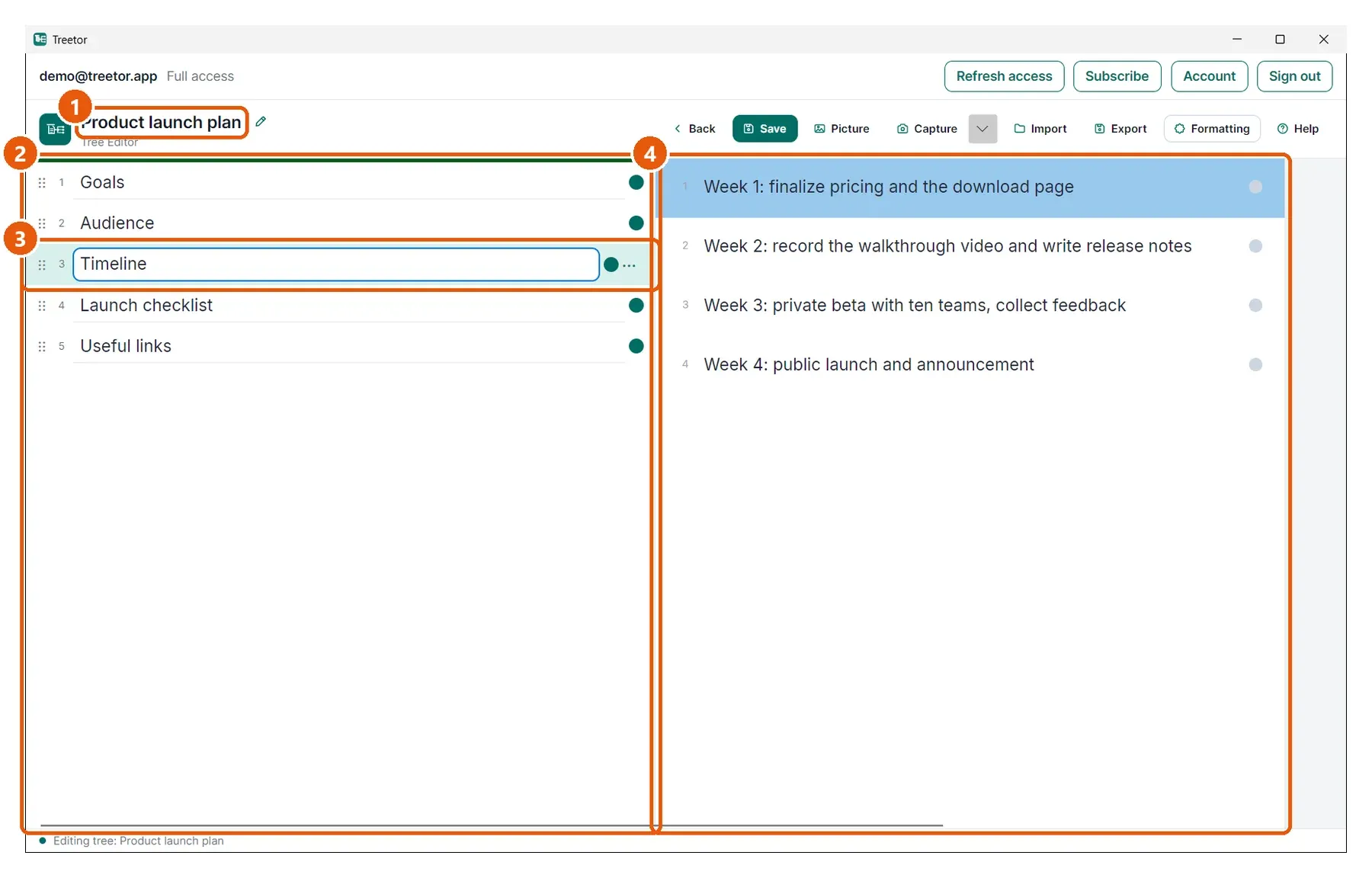
Treetor gives you a focused desktop tree editor where every item can become a branch, every branch can hold more detail, and the hierarchy can keep evolving.
Built for people searching for tree editor app, tree structure editor, tree notes, hierarchical editor, nested notes app, and better ways to organize complex ideas.
Why it works
See what belongs where instead of relying on indentation hidden inside a long document.
Open a child tree when an item deserves its own space.
Move, duplicate, merge, delete, indent, and outdent items as the structure matures.
Structured knowledge
Use Treetor for product requirements, checklists, curricula, knowledge bases, software design notes, and personal research.
Treetor is an editor for information structure itself: the content and the hierarchy live together.
Where Treetor fits
| Compared with | What Treetor gives you |
|---|---|
| File tree | The nodes are editable notes and picture items, not only files. |
| JSON/XML editor | The UI is made for human thinking, not raw data syntax. |
| Outline | Open branches, add pictures, annotate, and export. |
Screenshot-backed guide
The user guide is built from the product itself, with annotated screenshots for the exact features that make Treetor different.
FAQ
A tree editor app lets users create and edit nested parent-child structures. Treetor applies that model to notes, plans, pictures, and knowledge work.
Yes. Treetor supports opening or creating child trees from items, so detail can grow where it belongs.
Yes. Treetor supports moving, indenting, outdenting, duplicating, merging, and deleting items and their children.
Try the complete desktop app
Free for 30 days — no card required. Available for Windows, macOS, and Linux.