
Links in items
An item whose text is a web address, a file path or a folder path becomes a link automatically: Treetor underlines it in teal, and a double-click opens it in your browser or file manager.
Links are detected as you type
Nothing to switch on: paste or type the address and the item changes its look. The text stays editable.
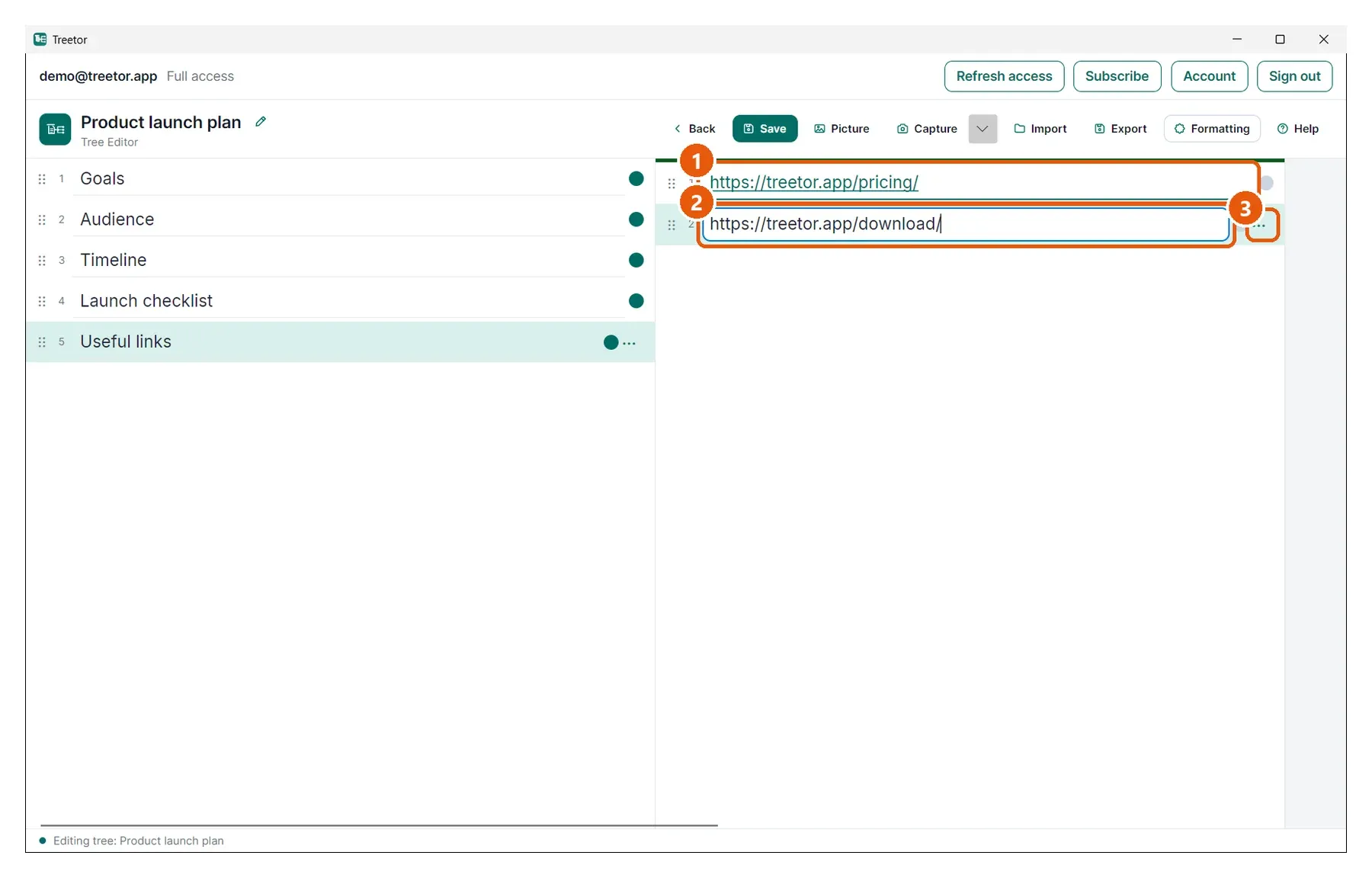
- A web link — starts with https:// or www.; the teal underline marks it. Double-click to open it in your browser.
- Another link, being edited — click once to edit the text like any item; the link look returns when you leave it.
- Actions — the ⋯ menu's Open Link does the same as a double-click.