
Sign in & the 30-day Pro trial
Treetor asks you to sign in once. Signing in creates your account if needed and starts a 30-day trial of Pro picture tools. Text notes, tree editing and Markdown export stay free after the trial.
Sign in or create your account
Treetor never asks for a password inside the app. Signing in happens in your browser, with an emailed code or your Google account, and the app picks it up automatically.
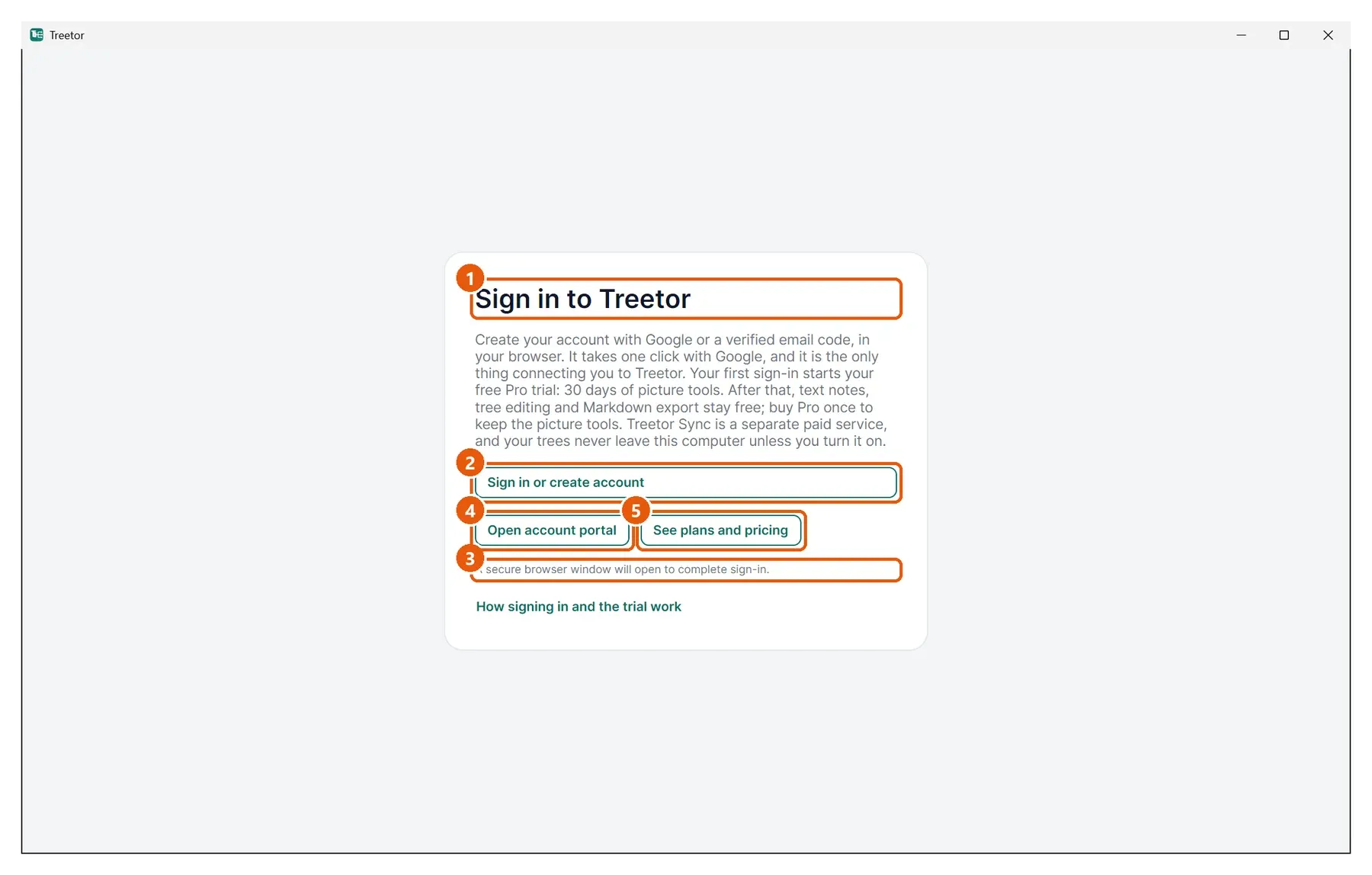
- Sign in to Treetor — this is the first thing you see on a new computer, and the only thing between you and your trees.
- Sign in or create account — opens your browser. Enter your email and the code Treetor sends you, or choose Google, which takes one click. The same button creates a new account the first time.
- Status line — tells you what Treetor is waiting for while the browser is open.
- Open account portal — your account page on the web: plan, billing and devices.
- See plans and pricing — compares permanent Free access, the one-time Pro licence and the optional Sync service. You do not need to choose on day one.
Check the top bar
Once the browser hands you back to Treetor, the Tree Library opens and the top bar shows who is signed in and what you can do.
- Your email — the account this computer is signed in to.
- Access level — Pro trial, N days left while the trial runs, Pro after a one-time Pro purchase, Sync with an active Sync plan, or Free after an unpaid trial ends.
- Settings — opens app settings. Account & plan contains the account portal, billing, access refresh, and Sign out actions.