
Re-editing annotations later
Annotations never get baked into the only copy. Treetor keeps the original picture and your marks alongside the flattened image, so you can reopen a picture weeks later and move, edit or delete any callout.
Open it again
Click Annotate under the picture (or double-click it). The editor opens with every mark exactly where you left it, each one still a separate object.
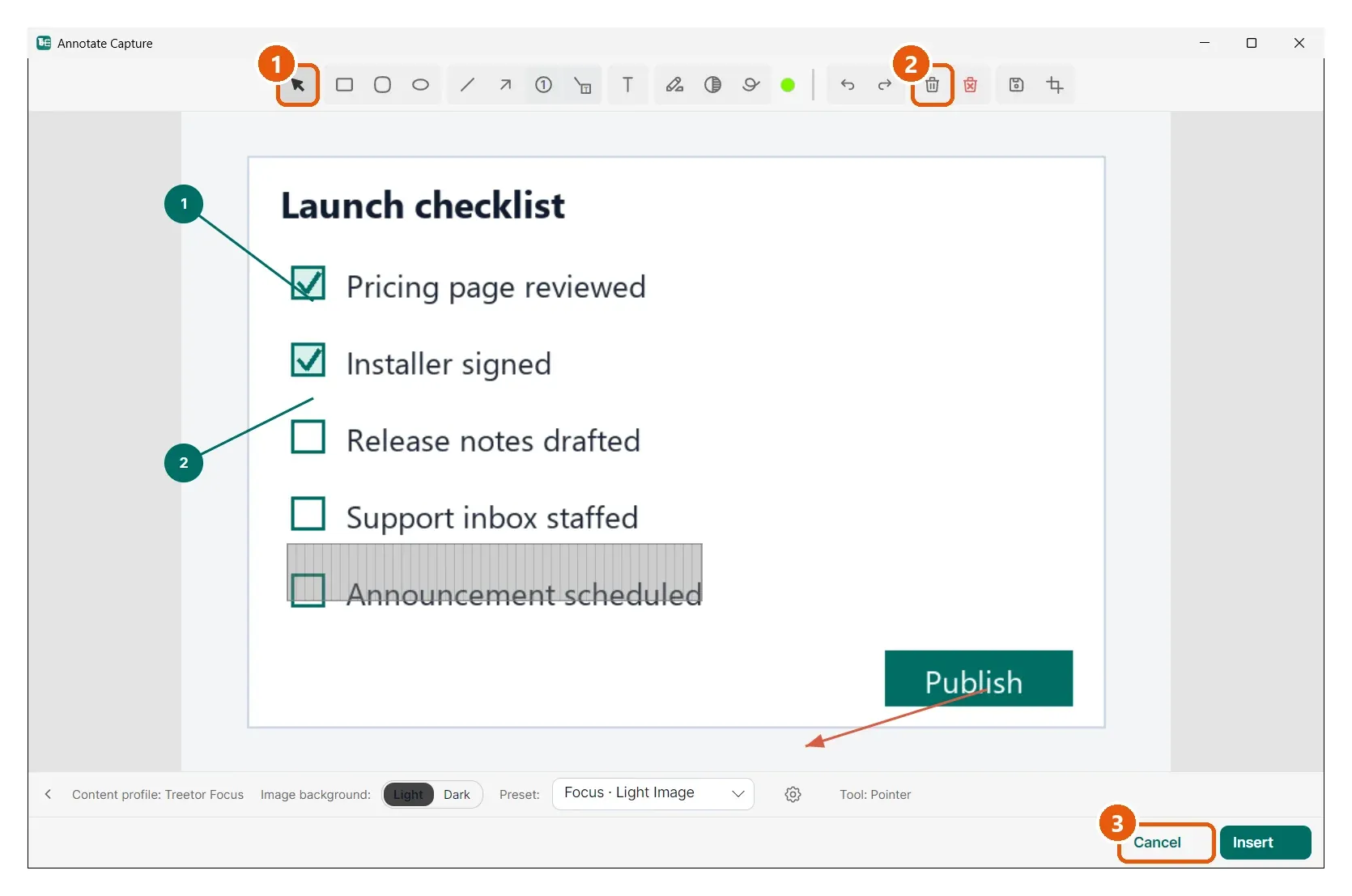
- Pointer — click a callout to select it, then drag to move it or pull a handle to resize it.
- Delete Selected — removes just that mark. Delete All clears the picture back to the original.
- Cancel — leaves the saved picture as it was; Insert saves the new state.